

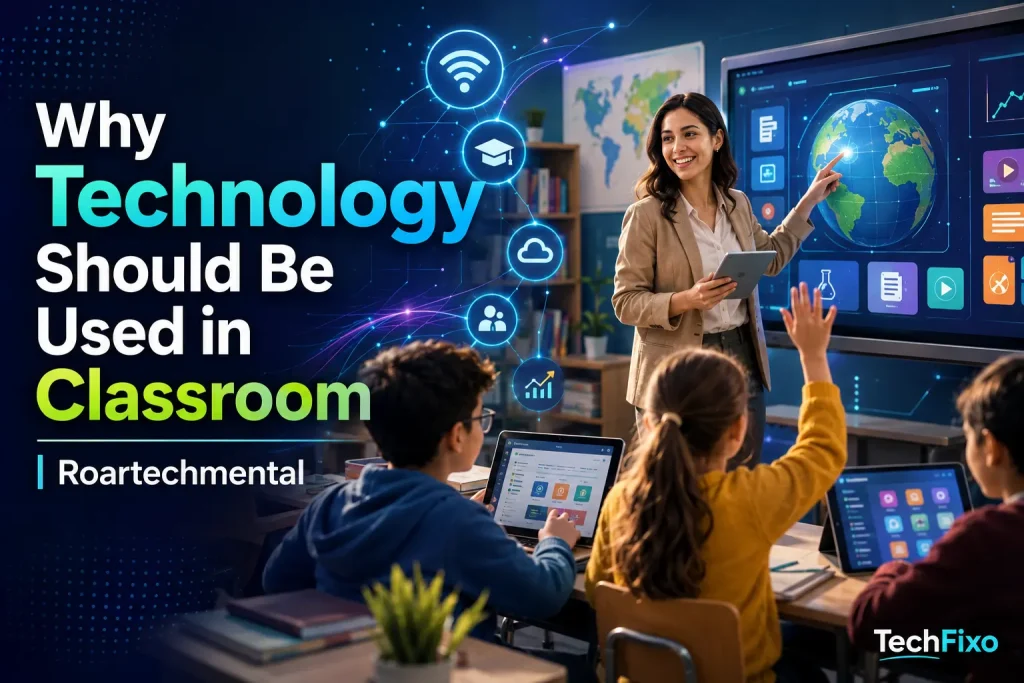
Technology has changed how people communicate, work, solve problems, and access information. Classrooms should not become completely screen-based, but they also cannot remain disconnected from th*why technology should be used in the classroom Roartechmental** is not simply about replacing textbooks with tablets or asking students to watch educational videos. It is about using digital tools with a clear purpose: improving understanding, supporting different learning needs, encouraging participation, strenons.
When educational technology is selected carefully, it can turn students from passive listeners into active participants. They can explore interactive models, receive immediate feedback, collaborate on projects, revisit difficult concepts, and demonstrate their knowledge in different ways.
However, classroom technology is only valuable when it supports effective teaching. A device cannot replace a skilled teacher, meaningful discussion, handwriting practice, physical activity, or face-to-face interaction. The best learning environment combines strong teaching methods with appropriate digital tools.
What Does Technology in the Classroom Mean?
Technology in the classroom refers to digital devices, platforms, applications, and multimedia resources used to support teaching and learning.
Common examples include:
- Computers, laptops, and tablets
- Interactive whiteboards
- Learning management systems
- Educational applications
- Digital textbooks and online libraries
- Virtual laboratories and simulations
- Video conferencing platforms
- Online quizzes and assessment tools
- Assistive technology
- Artificial intelligence learning tools
- Shared documents and collaboration platforms
- Audio, video, and presentation software
Technology integration does not mean using a device during every lesson. It means choosing the right tool when it can make a learning activity clearer, more accessible, more interactive, or more efficient.
A printed book may be the best resource for focused reading. A physical experiment may be the best way to teach observation. However, an interactive simulation may help students explore a process that is too dangerous, expensive, small, large, or complex to reproduce inside a classroom.
Why Technology Should Be Used in the Classroom
Technology should be used in the classroom because it can expand the ways students learn, practise, communicate, and create. It can also provide teachers with information that helps them identify learning gaps and adjust instruction.
Its most important purpose is not entertainment. Its purpose is to improve the learning experience.
It Makes Lessons More Interactive
Traditional lectures can be useful, but students may lose focus when they only listen, copy notes, and complete worksheets. Digital learning tools allow them to interact with the subject.
For example, students can:
- Manipulate a three-dimensional scientific model
- Explore a virtual historical location
- Solve questions during a live presentation
- Conduct a simulated experiment
- Label parts of the human body
- Create a timeline or digital map
- Record and review their pronunciation
- Build a simple program or animation
These activities require students to make decisions and apply knowledge instead of merely receiving information.
Interactive learning can also help teachers identify whether students understand a lesson. A quick digital poll or quiz can reveal confusion before the class moves to the next topic.
It Increases Student Engagement
Students are more likely to participate when they have an active role in the lesson. Technology can provide that role through multimedia, problem-solving activities, digital creation, and structured collaboration.
Engagement does not mean keeping students entertained at all times. Meaningful student engagement involves attention, effort, curiosity, participation, and a willingness to continue working through difficulty.
Classroom technology can support engagement by giving students:
- Clear and immediate tasks
- Visible progress
- Opportunities to make choices
- Different ways to respond
- Timely feedback
- Realistic problems to solve
- A chance to create something original
A student who rarely speaks during a class discussion may feel more comfortable contributing through a shared board or written response. Technology can create additional participation channels without eliminating verbal communication.
It Supports Personalized Learning
Students do not enter the classroom with identical knowledge, interests, abilities, or learning speeds. Some quickly understand a concept, while others require additional explanations and practice.
Personalized learning technology can provide different levels of support within the same classroom. A learning platform may offer additional examples to a struggling student while giving a more challenging activity to someone who has already mastered the basics.
Technology-supported personalized learning may include:
- Lessons that adjust according to student performance
- Optional explanations in video, audio, or text
- Practice questions based on individual weaknesses
- Different reading levels
- Self-paced review activities
- Enrichment tasks for advanced learners
- Progress dashboards for students and teachers
This does not remove the teacher from the learning process. The teacher still determines the objectives, explains difficult ideas, monitors progress, and provides emotional and academic support. Technology simply helps teachers respond to a wider range of needs.
It Provides Immediate Feedback
When students wait several days to receive feedback, they may repeat the same mistake or forget how they approached the task.
Digital assessment tools can provide immediate feedback on selected activities. Students can see which questions they answered incorrectly, review an explanation, and try again.
Fast feedback is especially useful for:
- Mathematics practice
- Vocabulary development
- Spelling
- Grammar
- Scientific classification
- Language learning
- Retrieval practice
- Exam preparation
Automated feedback should not replace detailed teacher comments on essays, projects, arguments, and creative work. Instead, it can handle routine checks while allowing teachers to spend more time on feedback that requires human judgment.
It Expands Access to Learning Resources
A single printed textbook offers a limited presentation of a subject. Classroom technology can provide access to diagrams, primary documents, expert explanations, interactive exercises, digital books, recorded lessons, maps, and databases.
Students can compare sources rather than depending on one description. They can examine a historical speech, view satellite images, hear the pronunciation of a foreign word, or observe a scientific process through animation.
Access to more information also creates an important teaching opportunity. Students must learn that information found online is not automatically accurate. Teachers can show them how to evaluate the author, evidence, publication date, purpose, and reliability of a source.
It Develops Digital Literacy
Knowing how to open an application or use social media does not make a student digitally literate.
Digital literacy includes the ability to:
- Search for information effectively
- Evaluate online sources
- Recognize misleading content
- Protect personal information
- Communicate professionally
- Create responsible digital content
- Understand copyright and attribution
- Use artificial intelligence ethically
- Manage files and digital projects
- Respond appropriately to online risks
These skills are easier to develop in a structured learning environment where teachers can provide guidance and correct unsafe habits.
Students should not only learn through technology. They should also learn how technology works, how it influences decisions, and how to use it responsibly.
It Encourages Collaboration
Technology can make group work more organized and visible. Students can contribute to shared documents, collect research, divide responsibilities, leave comments, and review changes.
Digital collaboration tools can help students practise:
- Communication
- Task management
- Peer feedback
- Conflict resolution
- Accountability
- Leadership
- Remote teamwork
- Collective problem-solving
Teachers can often see each student’s contribution, making it easier to identify whether work has been shared fairly.
Digital collaboration can also connect students with classmates, experts, or educational communities beyond their immediate classroom. These interactions should always be supervised and appropriate for the students’ ages.
It Supports Different Learning Needs
A standard lesson format may create unnecessary barriers for students with disabilities, language differences, or specific learning needs.
Assistive technology can provide features such as:
- Text-to-speech
- Speech-to-text
- Captions and transcripts
- Screen readers
- Magnification
- Adjustable font sizes
- Translation support
- Alternative keyboards
- Visual schedules
- Audio instructions
- Reduced-distraction display settings
These tools do not lower academic expectations. They provide alternative ways for students to access information and communicate what they know.
For example, speech-to-text may allow a student with a physical disability to complete a writing task independently. Captions can support students with hearing difficulties while also helping language learners and students working in noisy environments.
It Builds Creativity and Student Voice
Not every student communicates best through a traditional written report. Educational technology gives students more ways to present their understanding.
They may create:
- A documentary
- A podcast
- An infographic
- A digital story
- An animation
- A presentation
- A website
- A data visualization
- A recorded interview
- An interactive timeline
The learning objective should remain central. A visually impressive project has little educational value when it lacks accurate information, clear reasoning, or original thought.
Teachers should therefore assess both the content and how effectively the chosen format communicates it.
It Connects Learning With Real-World Applications
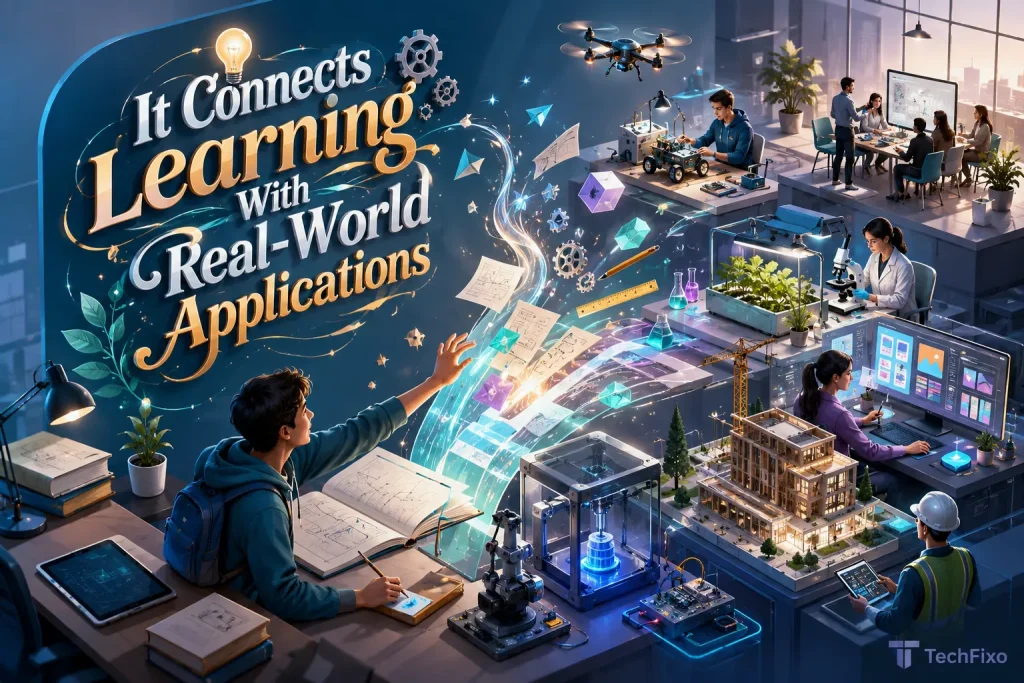
Students often ask why they need to learn a particular concept. Technology can connect classroom knowledge with practical situations.
Mathematics students can use spreadsheets to analyse a budget. Science students can examine environmental data. Geography students can interpret digital maps. Language students can record conversations. Business students can create a simple marketing plan.
These tasks show students that academic knowledge is not isolated from everyday life. It is used to investigate problems, communicate ideas, make decisions, and create solutions.
It Helps Students Learn Beyond the Classroom
Learning does not always need to stop when the school day ends. Recorded explanations, digital notes, online assignments, and classroom platforms can help students review material from home.
This is useful for students who:
- Miss a lesson because of illness
- Need additional revision
- Want to review a difficult explanation
- Require more time to complete a task
- Are preparing for an assessment
- Participate in blended or remote learning
Schools must be careful not to assume every student has a reliable device, quiet study space, or stable internet connection at home. Essential learning should remain accessible to students with limited technology access.
Traditional Classroom vs Technology-Supported Classroom
| Learning Area | Traditional Approach | Technology-Supported Approach |
|---|---|---|
| Lesson delivery | Lectures, printed books, and board explanations | Multimedia, simulations, demonstrations, and interactive content |
| Student participation | Verbal answers and written worksheets | Polls, shared boards, quizzes, discussions, and digital creation |
| Learning pace | Usually follows one class schedule | Allows targeted review, extension, and self-paced practice |
| Feedback | Often provided after work is collected | Immediate feedback on suitable practice activities |
| Collaboration | Mainly limited to students in the same room | Shared documents, remote teamwork, and supervised external collaboration |
| Accessibility | Standard materials may create barriers | Captions, screen readers, translation, audio, and adjustable displays |
| Assessment | Tests, essays, and teacher observation | Traditional assessment plus digital quizzes, portfolios, and progress data |
| Resources | Limited by available printed materials | Wider access to multimedia and digital learning resources |
| Teacher’s role | Explains, guides, assesses, and supports | Continues the same role while using technology to improve delivery and monitoring |
| Main risk | Passive learning and limited differentiation | Distraction, unequal access, privacy concerns, and overdependence |
The strongest classroom does not need to choose one side completely. Printed materials, teacher explanations, practical work, discussion, handwriting, and digital activities can support one another.
How Technology Helps Teachers
The benefits of technology in education are not limited to students. Properly selected tools can also help teachers plan lessons, organize resources, assess understanding, and communicate with families.
More Efficient Lesson Preparation
Teachers can create, adapt, store, and reuse learning materials. They can update a worksheet, share a presentation, organize resources by topic, or provide different versions of an activity.
This can reduce repetitive administrative work, although schools should avoid introducing so many platforms that technology creates additional workload.
Better Understanding of Student Progress
Digital assessment systems can reveal patterns that are difficult to identify from a single test score.
A teacher may be able to see:
- Which questions caused the most difficulty
- Which students need additional support
- How many attempts were required
- Whether performance is improving
- Which topics should be reviewed
- Which students are ready for extension work
Data should support professional judgment rather than replace it. Teachers understand classroom behaviour, motivation, effort, and personal circumstances that a dashboard cannot fully capture.
Easier Communication and Organization
Learning management systems can place announcements, assignments, deadlines, resources, and feedback in one location. This gives students and families a clearer view of what is expected.
Communication should remain organized. Using too many applications can create confusion, missed messages, and unnecessary notifications.
The Risks of Classroom Technology
A strong article about why technology should be used in the classroom must also acknowledge its limitations. Uncritical technology use can harm concentration, increase inequality, expose private information, and weaken important skills.
Digital Distraction
Devices can provide access to games, messages, unrelated websites, and entertainment. Even educational platforms may contain unnecessary animations or notifications.
Teachers need clear rules about:
- When devices should be open
- Which applications may be used
- What happens when a task is completed
- When screens must be closed
- How off-task behaviour will be handled
Technology should be removed from a lesson when it creates more distraction than educational value.
Excessive Screen Time
Students already encounter screens in many parts of their lives. Schools should avoid turning every reading, writing, discussion, and creative activity into a digital task.
Balanced classrooms include:
- Printed reading
- Handwriting
- Physical movement
- Practical experiments
- Art and construction
- Outdoor learning
- Face-to-face discussion
- Screen-free problem-solving
The question should not be whether technology is always good or always bad. The question should be whether it is the best method for the specific learning objective.
The Digital Divide
Not every school or family has equal access to devices, broadband, technical support, and paid educational software.
A technology plan can widen inequality when some students can continue learning at home while others cannot access the required platform.
Schools should provide:
- Device-loan options where possible
- Downloadable or offline materials
- Reasonable completion times
- Non-digital alternatives
- Technical support
- Accessible school-based study opportunities
Equity must be considered before a digital tool becomes essential to completing a course.
Privacy and Data Security
Educational applications may collect student names, activity records, performance data, voice recordings, images, or behavioural information.
Before adopting a platform, schools should consider:
- What data the platform collects
- Why the information is required
- Where the data is stored
- Who can access it
- How long it is retained
- Whether it is used for advertising or product development
- Whether parents or guardians need to provide consent
- How accounts and passwords will be protected
Convenience should never be treated as more important than student safety.
Overdependence on Artificial Intelligence
Artificial intelligence can explain concepts, generate practice questions, help organize ideas, and provide examples. It can also produce inaccurate information, biased responses, invented sources, and completed work that students submit without understanding.
Students should be taught to:
- Verify AI-generated information
- Compare responses with reliable sources
- Identify unsupported claims
- Explain their own reasoning
- Disclose AI use when required
- Avoid entering private information
- Use AI for support rather than substitution
Teachers should design tasks that require personal explanation, classroom discussion, drafts, practical application, and reflection. These elements make genuine learning more visible.
Reduced Human Interaction
Education involves more than transferring information. Students need encouragement, empathy, discussion, mentoring, social development, and a sense of belonging.
Technology cannot fully understand a student’s emotions, family circumstances, confidence, relationships, or personal goals. It should strengthen the teacher’s work rather than attempt to replace the human relationship at the centre of education.
How to Use Technology Effectively in the Classroom
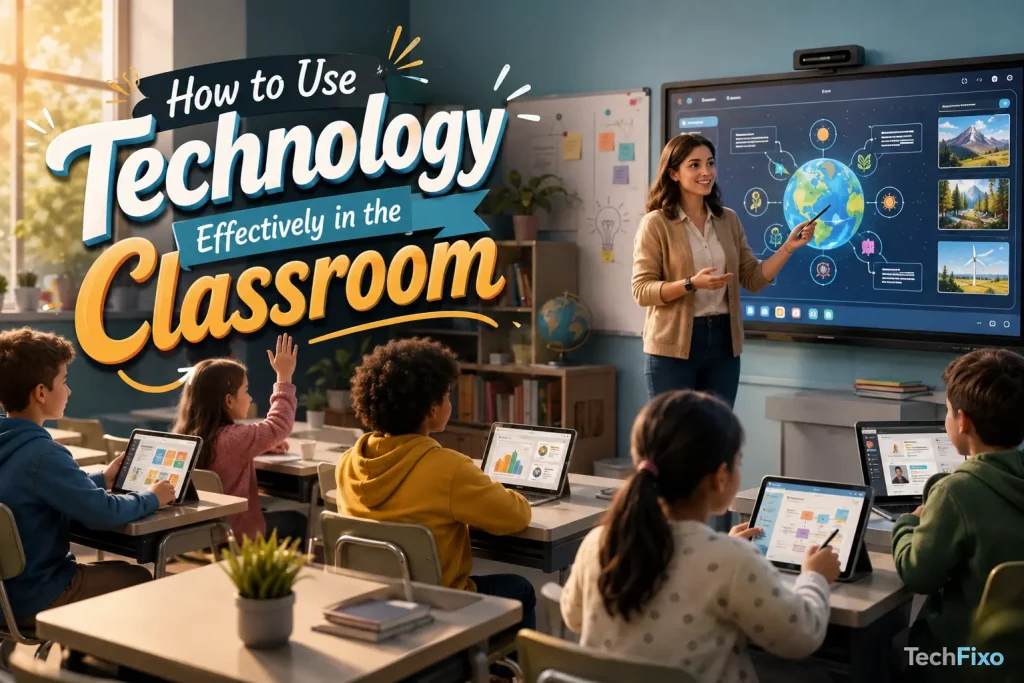
Buying devices is not the same as improving education. Successful technology integration begins with a learning problem, not a product.
Start With the Learning Objective
Teachers should first decide what students need to understand or do.
Only then should they ask whether technology can help students reach that goal more effectively.
A tool may be valuable when it:
- Makes an abstract idea visible
- Provides useful practice
- Improves feedback
- Removes an accessibility barrier
- Supports meaningful collaboration
- Allows students to create or investigate
- Saves time without reducing quality
When a printed resource or face-to-face activity works better, technology is unnecessary.
Choose Simple and Accessible Tools
A platform with dozens of features may be less useful than a simple tool that performs one task reliably.
Schools should consider:
- Ease of use
- Accessibility
- Device compatibility
- Privacy
- Cost
- Technical requirements
- Teacher control
- Advertising
- Reliability
- Quality of support
The tool should not require students to spend most of the lesson learning how to operate it.
Train Teachers Properly
Teachers need more than a short demonstration of where to click. Effective professional development should explain how the technology supports teaching, assessment, accessibility, and classroom management.
Training should include:
- Practical classroom examples
- Time to test the tool
- Troubleshooting guidance
- Privacy and safeguarding procedures
- Strategies for preventing distraction
- Opportunities to share experiences
- Continued technical support
Teacher confidence and instructional planning have a greater influence on success than the novelty of the device.
Establish Digital Citizenship Rules
Students need clear guidance about acceptable technology use.
Digital citizenship education should cover:
- Respectful online communication
- Password security
- Personal information
- Cyberbullying
- Copyright
- Source evaluation
- Artificial intelligence
- Academic honesty
- Digital footprints
- Reporting unsafe content
These topics should be taught regularly rather than mentioned only after a problem occurs.
Maintain a Balance Between Digital and Non-Digital Learning
Technology-supported learning should exist alongside books, handwriting, discussion, physical activity, practical work, and creative play.
Teachers can plan intentional transitions:
- Introduce a concept through direct explanation.
- Allow students to explore it through a digital simulation.
- Discuss observations with classmates.
- Record conclusions by hand.
- Apply the concept in a practical task.
- Use a short digital quiz to check understanding.
This approach uses technology as one part of a complete learning process.
Measure Educational Impact
Schools should review whether a tool is actually helping.
Useful questions include:
- Are students learning more effectively?
- Has the quality of practice improved?
- Are students receiving better feedback?
- Is participation more inclusive?
- Has teacher workload decreased or increased?
- Are students becoming distracted?
- Can all students access the tool?
- Does the educational benefit justify the cost?
- Are teachers and students satisfied with its use?
- Is student data being handled responsibly?
A tool should be adjusted or removed when it does not produce meaningful value.
Examples of Purposeful Classroom Technology Use
Technology works best when each tool has a specific educational function.
Science
Students can use virtual laboratories to test variables before carrying out a physical experiment. They may also examine models of cells, ecosystems, planets, or chemical structures.
Mathematics
Interactive graphs and geometry tools can show how changing one value affects another. Digital practice can provide immediate feedback, while spreadsheets can connect mathematics with budgeting and data analysis.
Language Learning
Students can listen to native pronunciation, record their speech, build vocabulary, communicate through supervised activities, and receive feedback on practice exercises.
History and Social Studies
Digital archives, maps, timelines, interviews, and historical documents can help students examine evidence from multiple perspectives.
English and Writing
Students can plan ideas collaboratively, revise drafts, create digital stories, record podcasts, and publish class projects. Teachers should continue teaching handwriting, close reading, grammar, argument, and independent composition.
Art and Design
Digital drawing, photography, animation, and editing tools can expand creative possibilities. They should complement rather than completely replace physical materials and hands-on techniques.
Special and Inclusive Education
Assistive technologies can help remove barriers through captions, screen readers, alternative input devices, visual instructions, text-to-speech, and customizable displays.
Related Keywords and Concepts
The topic of why technology should be used in the classroom Roartechmental is closely connected with the following concepts:
- Technology in education
- Benefits of technology in the classroom
- Educational technology
- Classroom technology
- Digital learning tools
- Technology-enhanced learning
- Personalized learning
- Interactive learning
- Student engagement
- Collaborative learning
- Digital literacy
- Digital citizenship
- Blended learning
- Assistive technology in education
- Online educational resources
- Real-time student feedback
- Teacher productivity
- Technology integration in education
- Twenty-first-century skills
- Responsible technology use
These ideas all point toward the same principle: technology should serve an educational purpose rather than being introduced simply because it is available.
Frequently Asked Questions
Why should technology be used in the classroom?
Technology should be used when it improves understanding, participation, accessibility, feedback, collaboration, or skill development. It can provide interactive resources, personalized practice, and different ways for students to demonstrate learning.
Does technology improve student learning?
Technology can improve learning when it is connected to a clear objective and supported by effective teaching. Simply providing devices does not guarantee better results. The quality of the activity, teacher guidance, accessibility, and classroom management all matter.
How does technology increase student engagement?
It gives students opportunities to interact with content, receive immediate responses, make choices, solve problems, collaborate, and create original work. Engagement is strongest when the activity requires meaningful thinking rather than passive screen use.
Can technology replace teachers?
No. Technology can support instruction, assessment, practice, organization, and accessibility, but it cannot replace a teacher’s judgment, empathy, encouragement, classroom leadership, and understanding of individual students.
What are the main disadvantages of technology in education?
Major concerns include distraction, excessive screen time, unequal access, privacy risks, technical problems, misinformation, cyberbullying, dependence on automated tools, and reduced human interaction.
How does technology support personalized learning?
Digital platforms can adjust the difficulty, pace, format, or amount of practice according to student performance. Teachers can also use progress information to provide targeted support or extension work.
What is the role of technology in inclusive education?
Assistive technology can remove barriers for students with disabilities and different learning needs. Screen readers, captions, speech-to-text, adjustable displays, audio materials, and alternative input methods can make lessons more accessible.
Should students use artificial intelligence in the classroom?
AI can be useful for explanations, brainstorming, practice, feedback, and research support when teachers establish clear rules. Students must verify information, protect their privacy, avoid plagiarism, and demonstrate their own understanding.
How can teachers prevent digital distractions?
Teachers can set clear device rules, use focused applications, disable unnecessary notifications, monitor activity, plan short technology-based tasks, and include regular screen-free learning.
What is the best way to introduce new classroom technology?
Schools should identify a specific learning need, evaluate suitable tools, check accessibility and privacy, provide teacher training, begin with a limited trial, collect feedback, and measure the educational impact before expanding its use.
Conclusion
Understanding why technology should be used in the classroom Roartechmental requires moving beyond the idea that more devices automatically create better education.
Technology is valuable when it helps a student understand a difficult concept, allows a learner with a disability to access the same lesson, gives a teacher timely information, connects academic knowledge with practical problems, or creates a meaningful opportunity for collaboration and creativity.
It becomes less valuable when it distracts students, replaces thoughtful teaching, increases inequality, collects unnecessary data, or turns every learning activity into screen time.
The goal is therefore not a completely digital classroom. It is a thoughtful classroom in which teachers choose the most effective method for each learning objective. Sometimes that method will be a book, discussion, handwritten exercise, physical experiment, or outdoor activity. At other times, an interactive model, assistive tool, shared document, or digital assessment will provide an experience that traditional materials cannot offer.
Used with balance, clear rules, teacher guidance, and a genuine educational purpose, technology can make learning more accessible, responsive, creative, and relevant while keeping human relationships at the centre of education.